Broadcast-ready scoreboards, live over NDI
Design transparent scoreboards on macOS, run scores and clocks in real time, control from your phone, and send it all into ProPresenter or any NDI/Syphon receiver.
Download for macOS Read the manual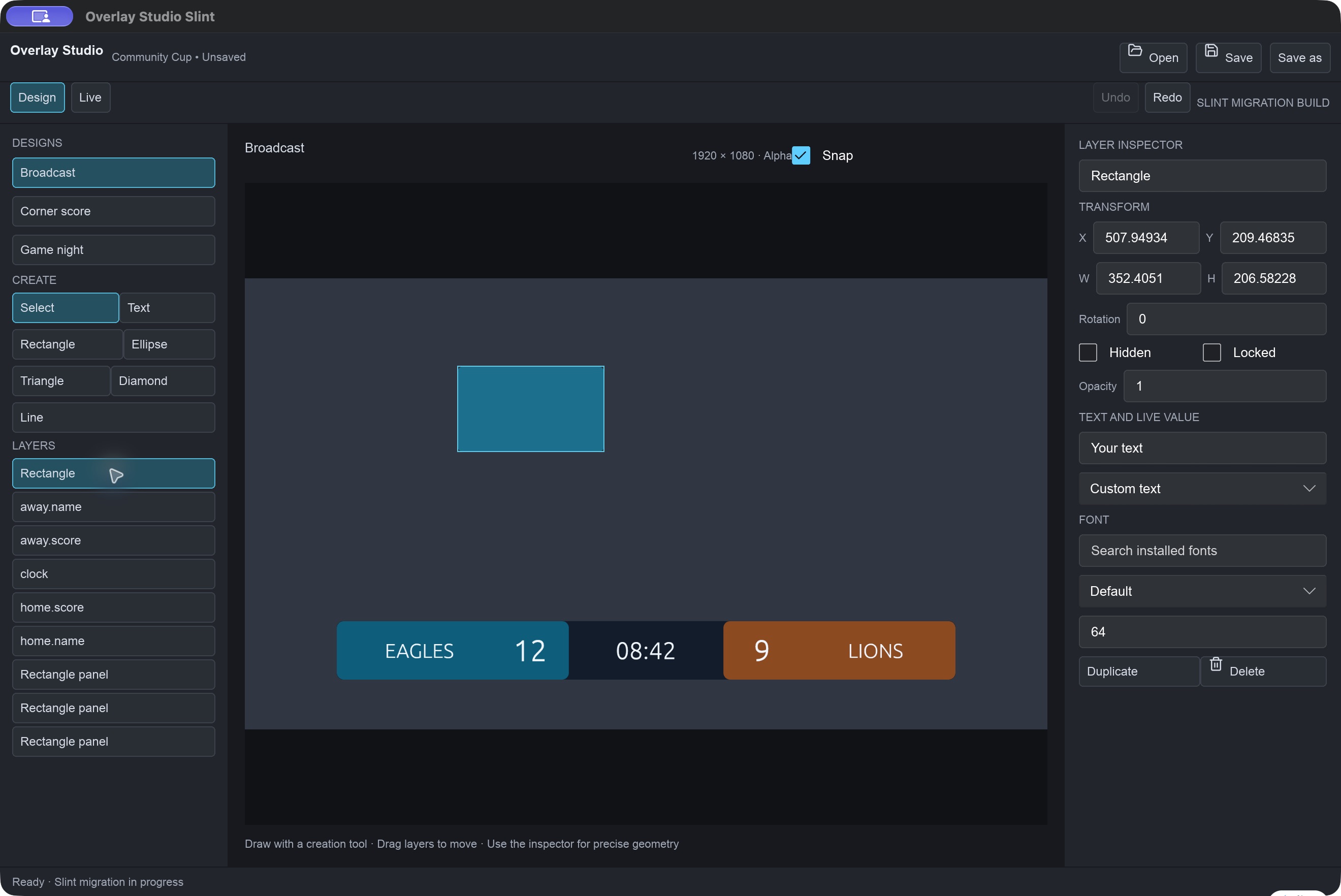
Everything a live game desk needs
One app from layout to on-air, with a transparent output that composites cleanly over video.
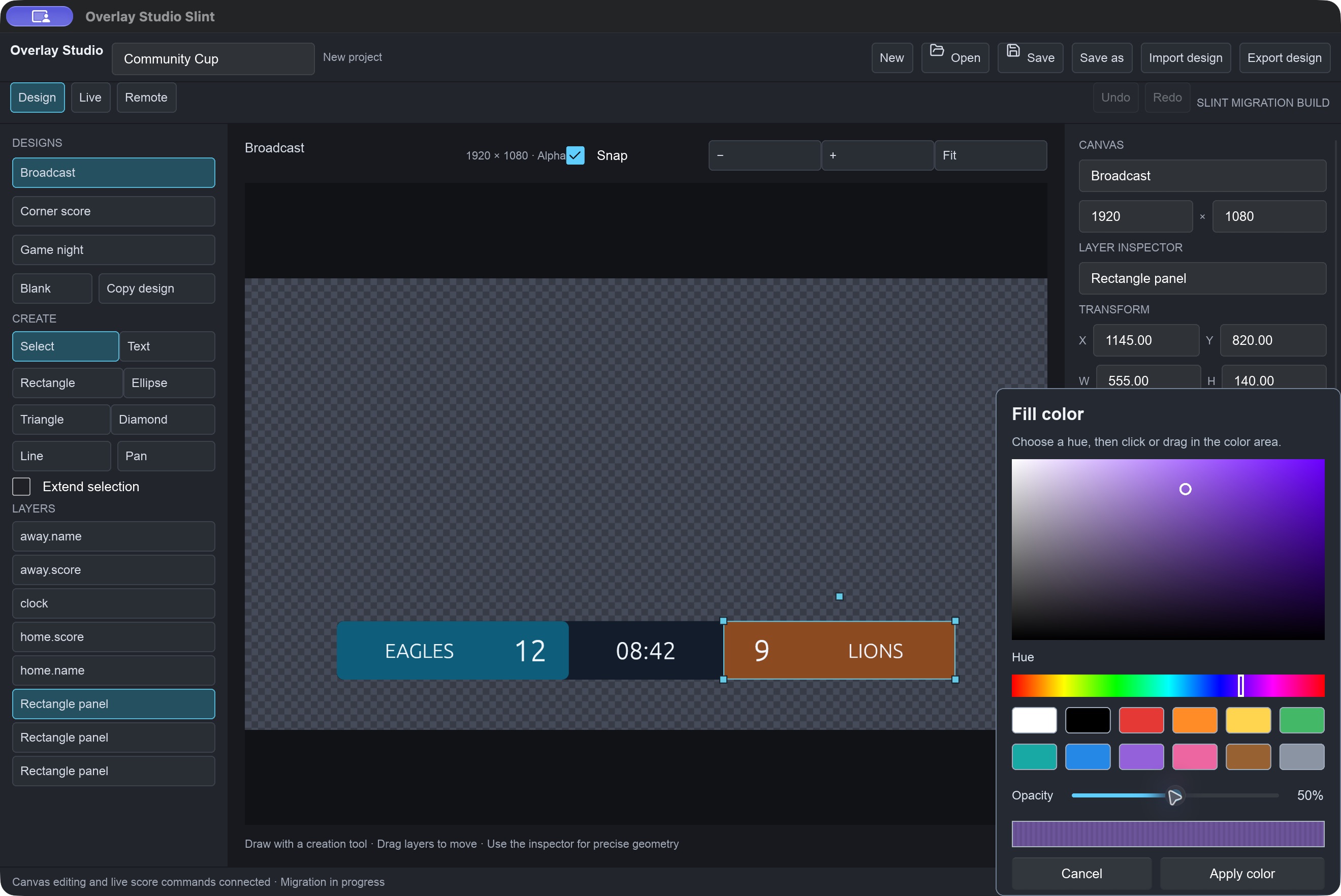
Transparent output
Checkerboard and editing handles are never transmitted. Empty areas stay alpha for clean compositing.
NDI & Syphon
Run independent outputs and take your design to air with one click.
Live bindings
Bind text and layers to scores, clocks and custom fields. One project drives many layouts.
Phone & iPad remote
Lay out a button grid, scan the QR code on your network, and run the game from anywhere in the venue.
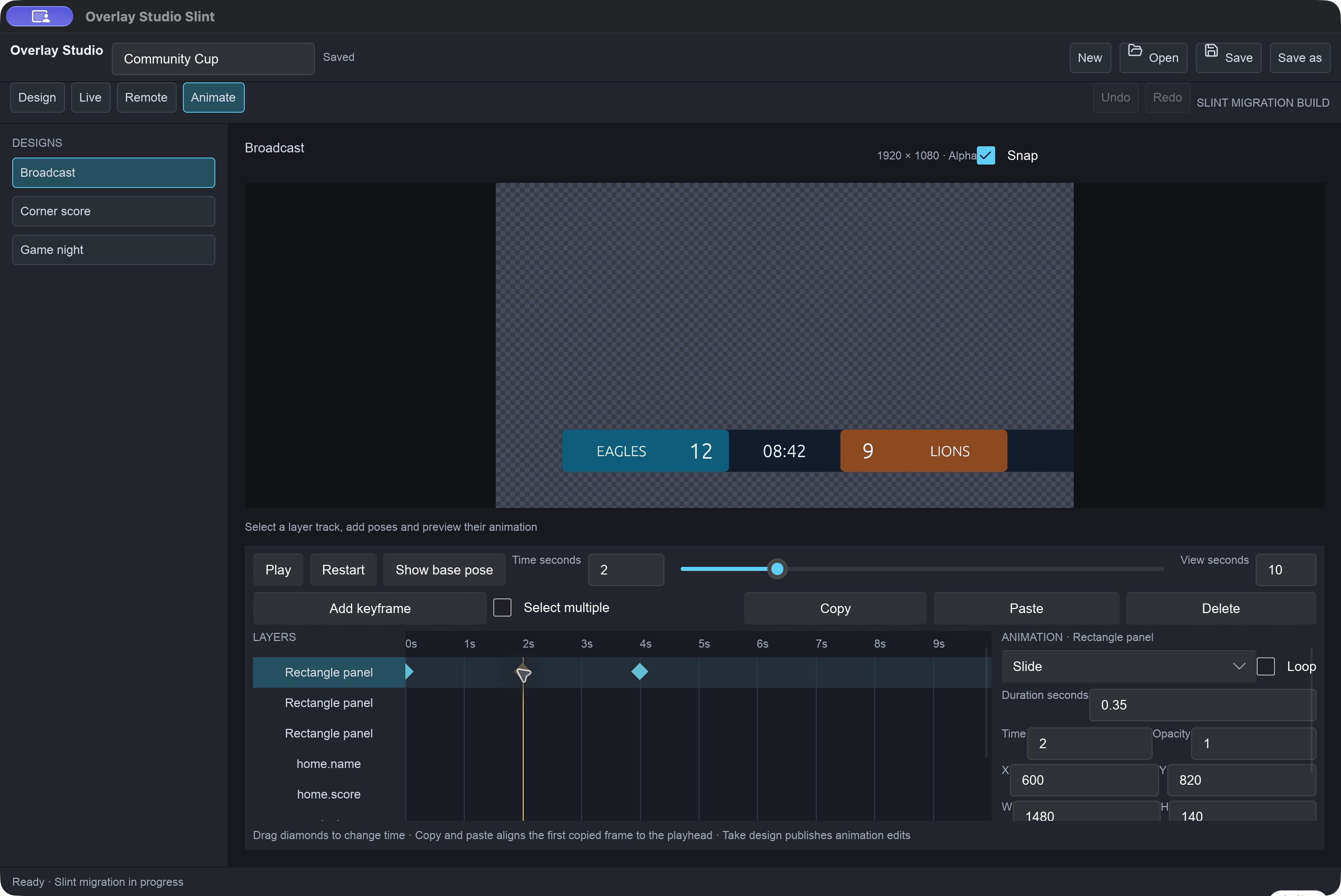
Animation & events
Keyframe layers on a timeline, then trigger cues automatically from score or clock events.
Safe by default
Import images and short video clips, and recover unsaved work after an unexpected quit.
Design
Build canvases with text, shapes, images and video. Style every layer with a full color picker and bind it to live game values.
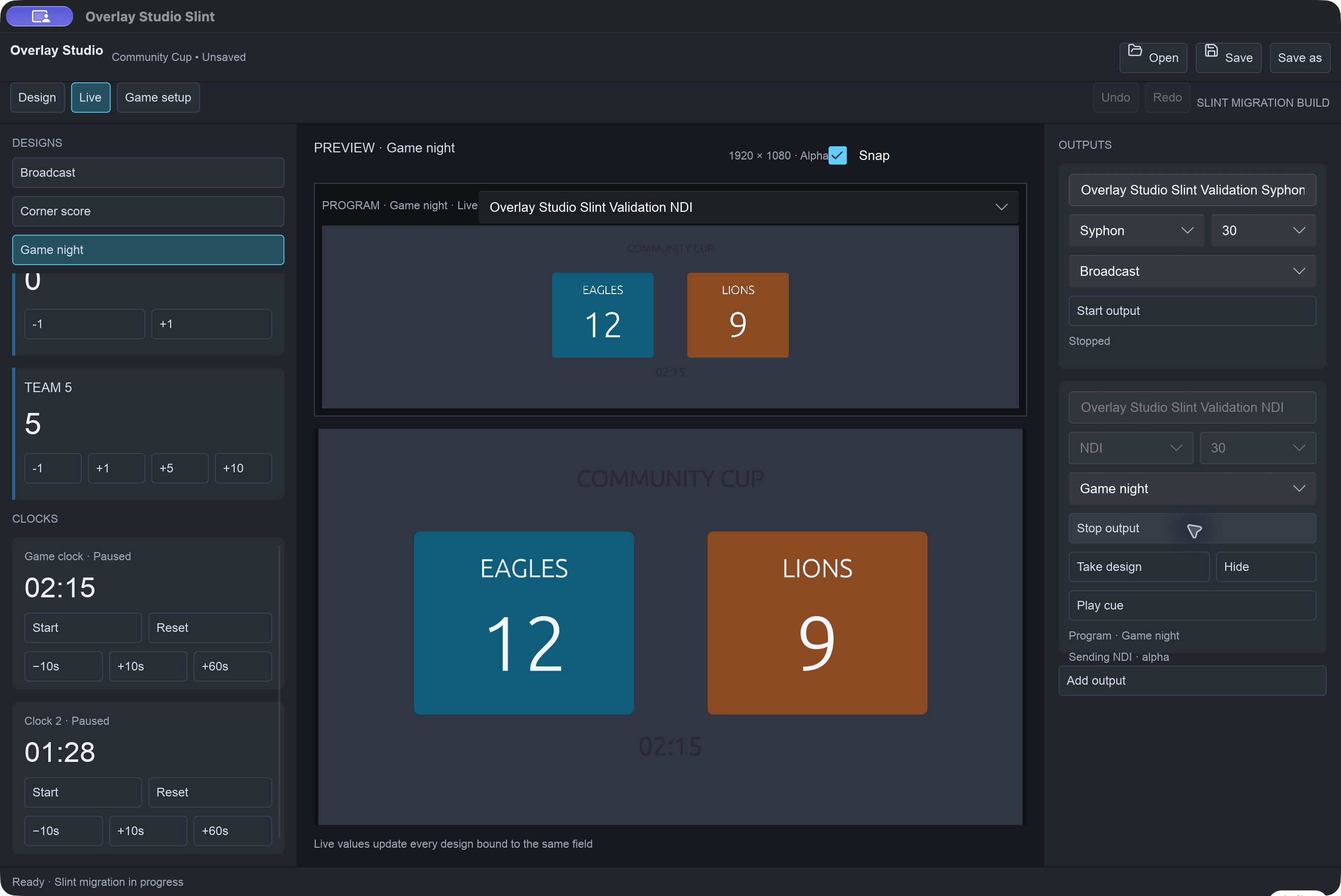
Go live
Operate teams, scoring steps and clocks from the live desk. Start, hide or stop each output independently, and Take design to publish.
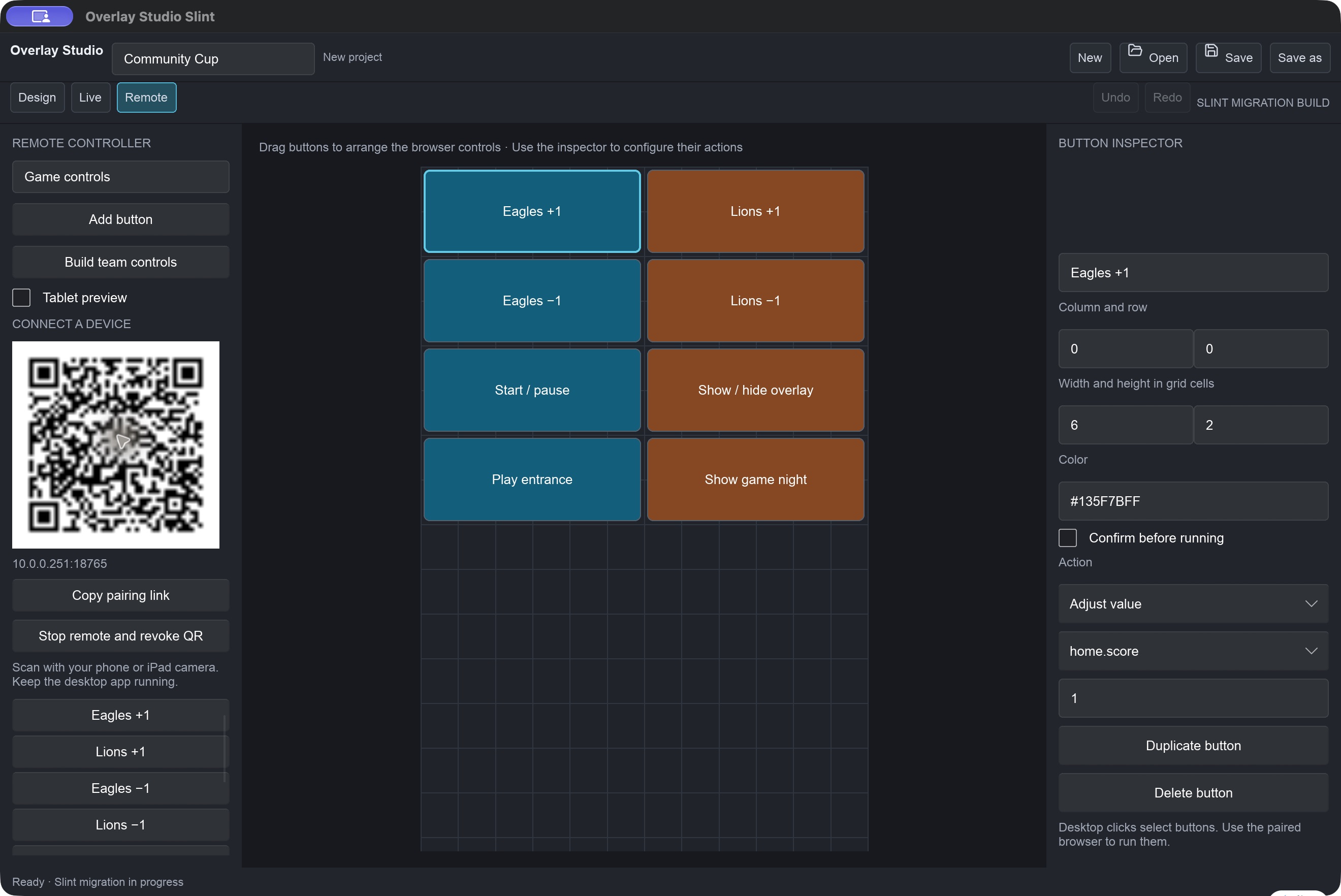
Control from anywhere
Design your own remote layout and pair a phone or iPad in seconds over the local network.
Animate & automate
Motion on a keyframe timeline, with event rules that react when the score changes or the clock hits a mark.
On air with ProPresenter in four steps
The included PDF manual walks through first-show setup in detail.
- Start an NDI output in Live.
- Click Take design to publish the current canvas.
- In ProPresenter, open Settings → Inputs and add a Video Input using the Overlay Studio NDI source.
- Trigger it from the Video Input playlist.
Get Overlay Studio
Open the DMG, drag the app into Applications. If macOS blocks first launch, right-click the app → Open.
Download v0.1.0 (DMG) View source