Selah
Worship lyrics, in focus.
Prepare songs and Scripture, lay out bilingual text, place background and foreground media, then send transparent lyrics to ProPresenter — or run Selah alone.
See the app
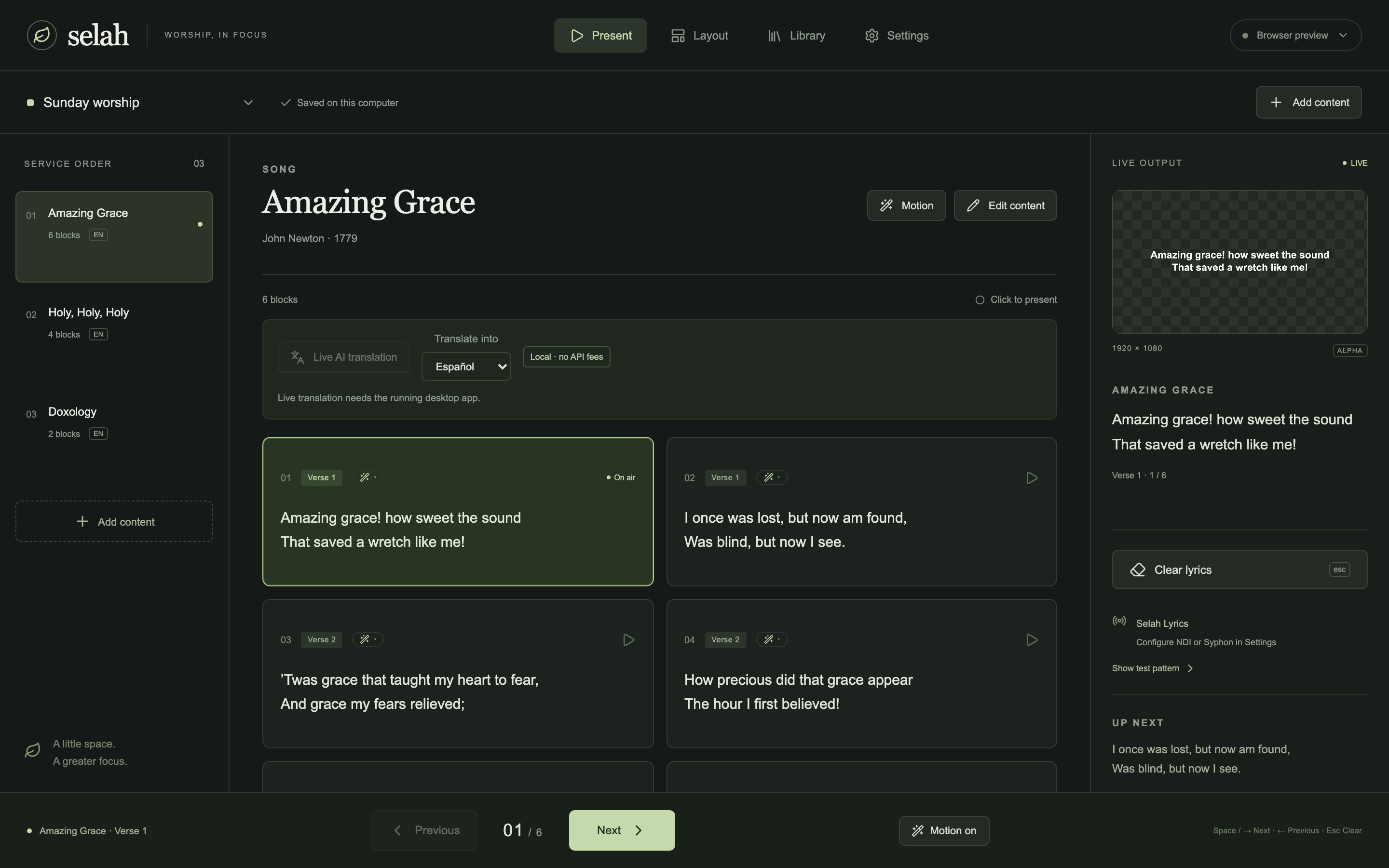
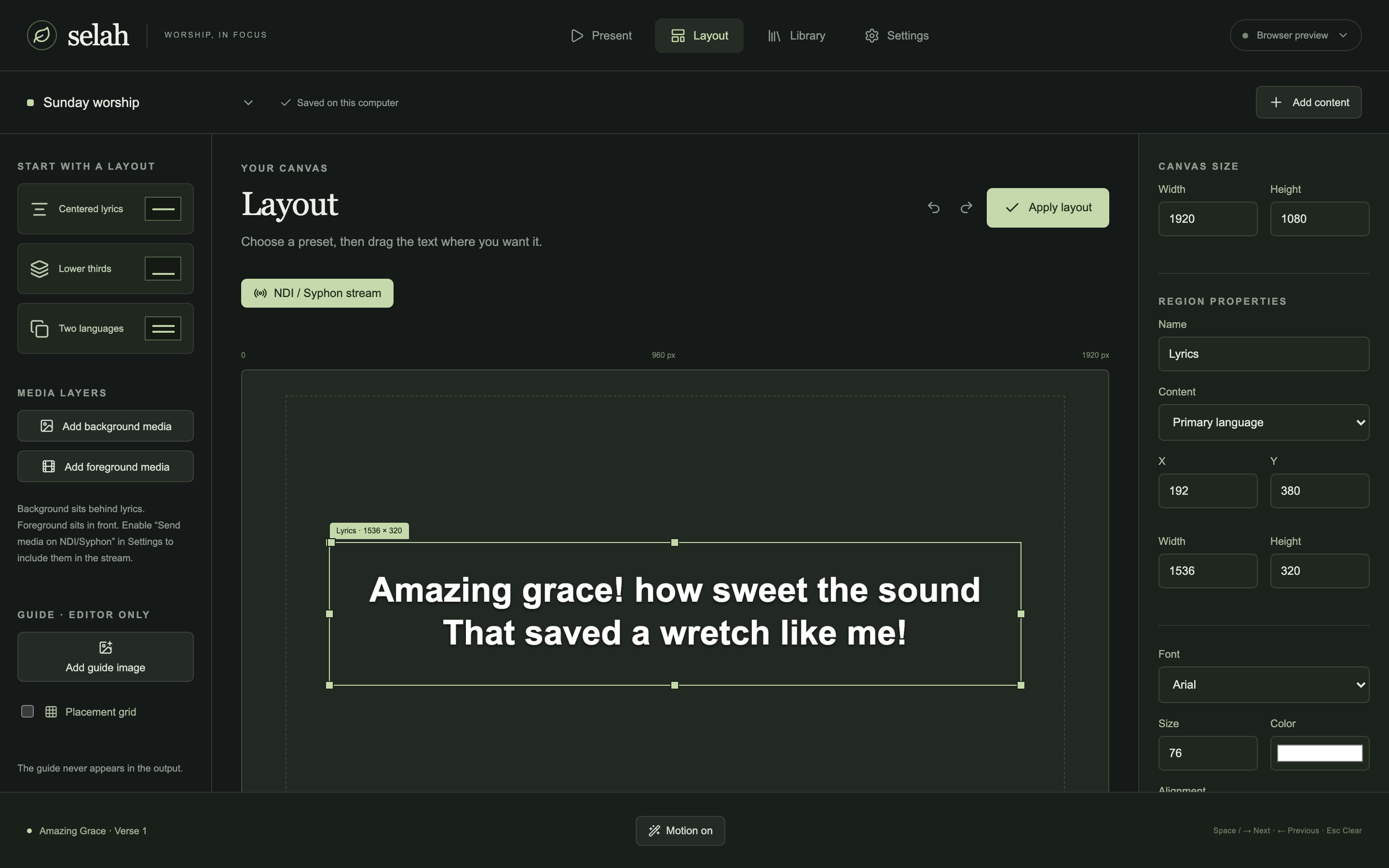
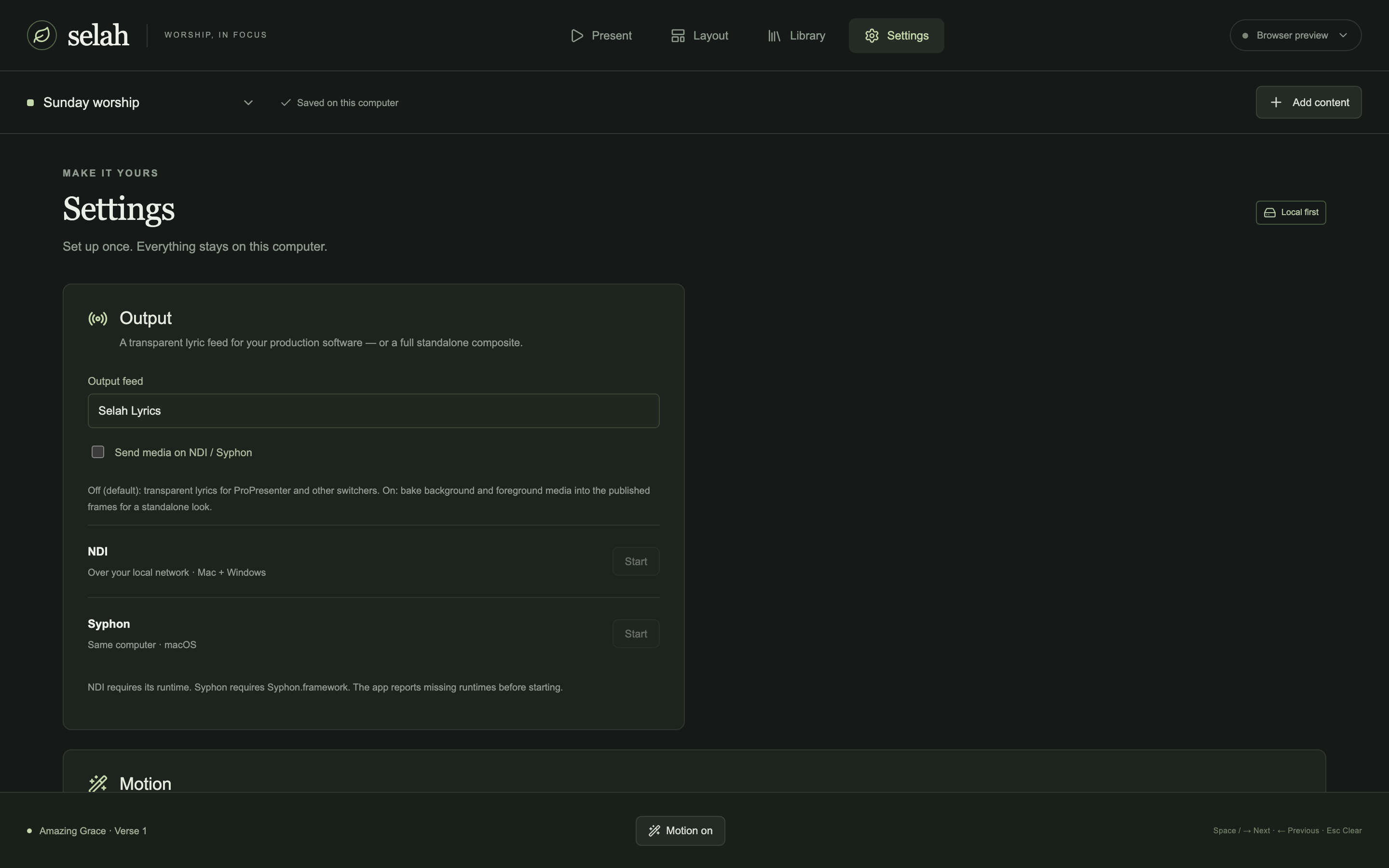
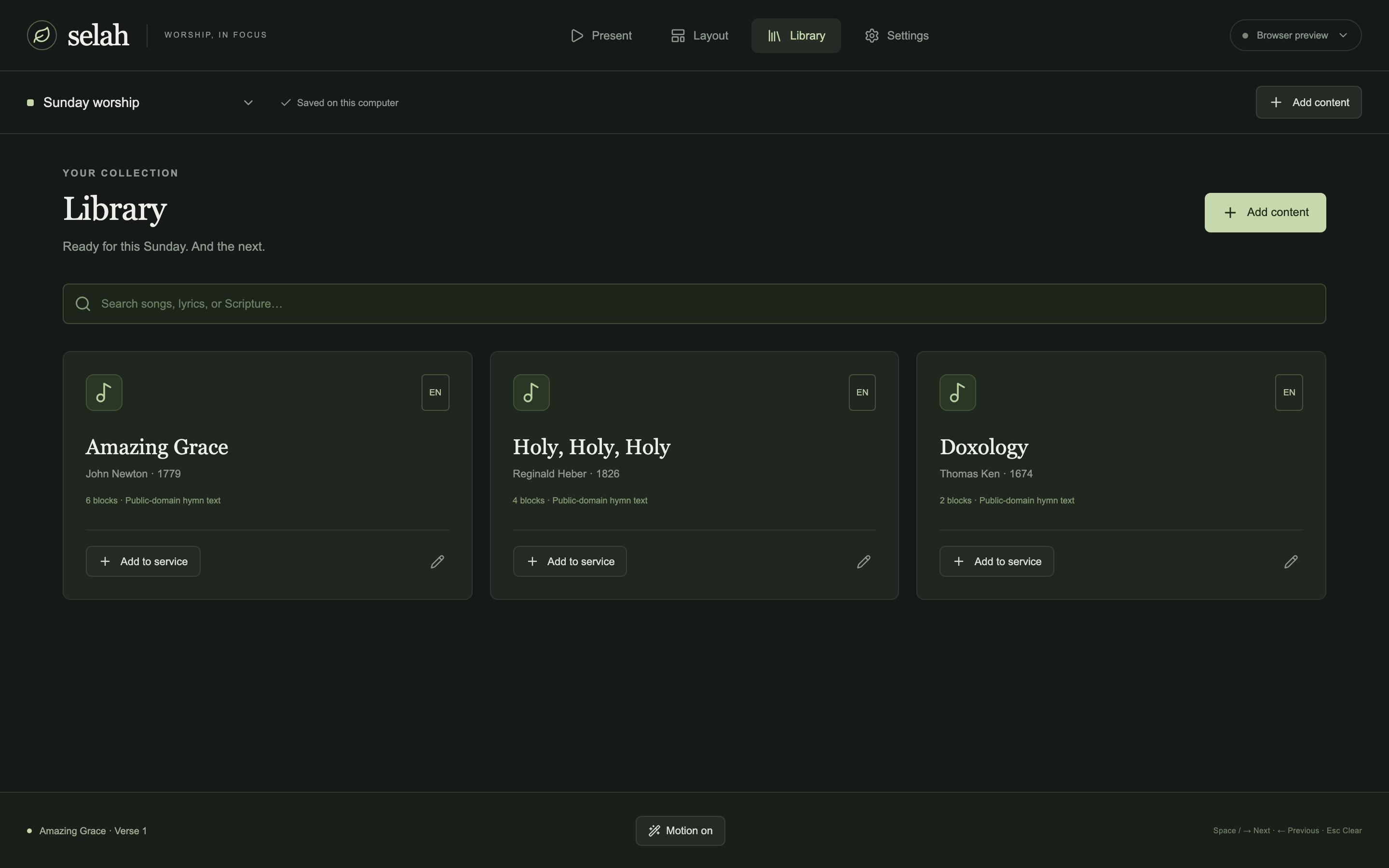
Real screenshots from Selah — Present, Layout, Settings, and Library.
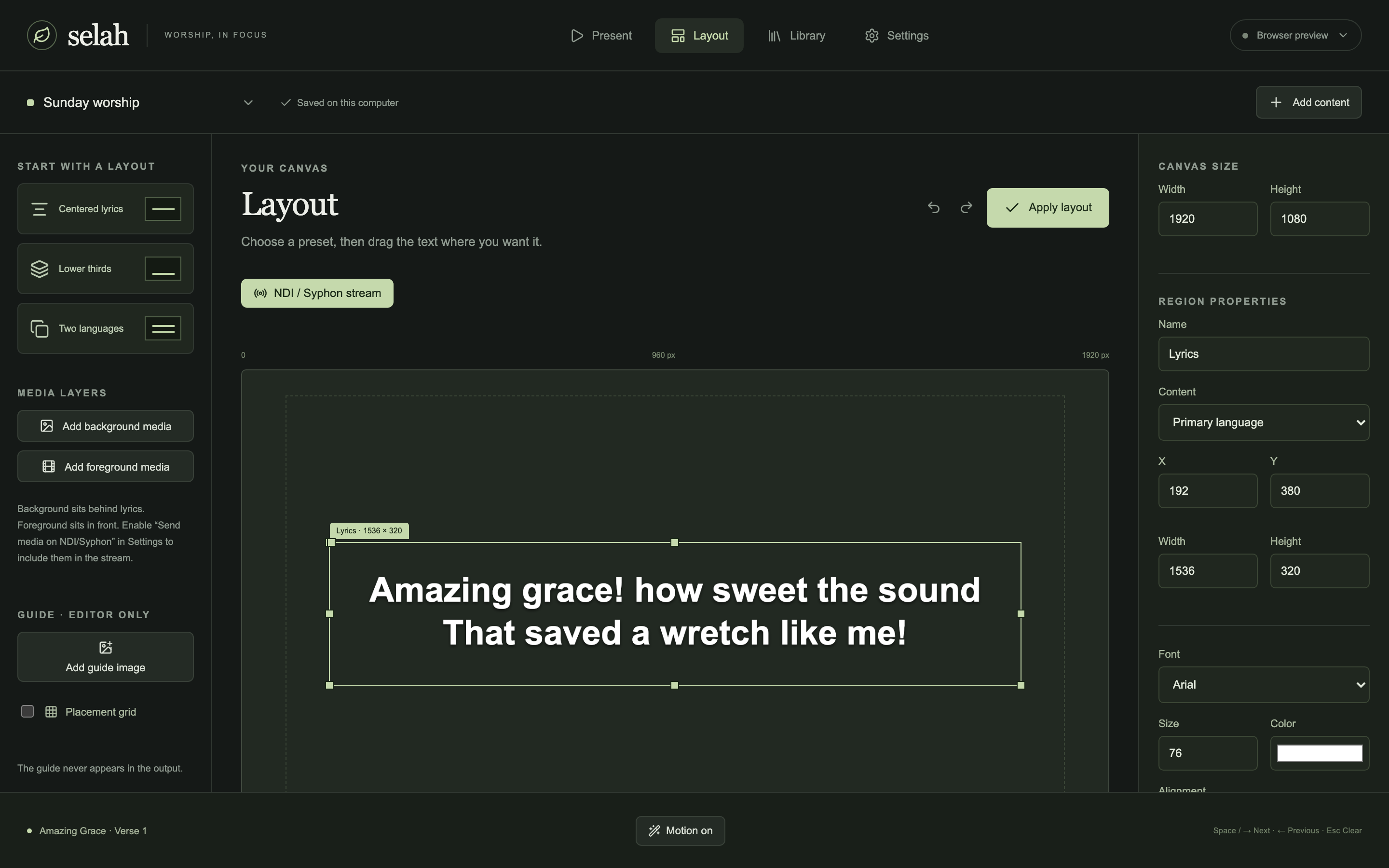
Built for Sunday mornings
One operator surface. Clear live output. Media when you want it.
- Present with confidence Click a block to go live. Arrows and Space advance; Escape clears.
- Layouts that fit the room Centered, lower-third, or bilingual regions with drag handles.
- Background & foreground media Images or video behind or in front of lyrics, with audio device selection.
- Scripture ready Built-in WEB and Reina-Valera 1909, plus importable translations.
- Local-first AI Organize lyric lines on this computer without rewriting the words.
- Volunteer friendly A short PDF guide ships in the DMG for first-time operators.
Works with ProPresenter
Selah publishes an NDI or Syphon lyric feed. Leave media off the stream for transparent lyrics your switcher composites — or bake media into the feed for a standalone look.
- Start NDI or Syphon in Selah Settings
- Add the Selah feed as an input in ProPresenter
- Keep “Send media on NDI/Syphon” off for alpha lyrics
Download Selah
Unsigned Apple Silicon DMG for macOS 12+. Drag to Applications, open the guide, present.
Latest releaseRequires the NDI runtime for network video and Syphon.framework for same-Mac Syphon. Signing and notarization come in a later release.